리눅스
[draft] Ansible ansible-config 명령어를 사용하는 방법
SangChul Dot Kr Blog
2026. 3. 1. 13:51
Ansible ansible-config 명령어를 사용하는 방법
Ansible Galaxy란?
- 전 세계 Ansible 사용자들이 공유하는 Role / Collection 저장소
- 검증된 자동화 코드를 설치해서 바로 사용
- 사내 표준 Role 구성에도 적합
- ansible-galaxy : https://galaxy.ansible.com
ansible-galaxy 설치
sudo apt-get install ansible-galaxyansible-galaxy 기본 사용법
명령어 구조
ansible-galaxy TYPE [options]- role : Role 관리
- collection : Collection 관리
도움말 확인
ansible-galaxy -hRole 관련 주요 명령어
1. 역할 설치하기
- Ansible Galaxy에서 지정한 username과 role_name에 해당하는 역할을 설치합니다.
ansible-galaxy install username.role_name2. 역할 제거하기
- 지정된 역할을 제거합니다.
ansible-galaxy remove username.role_name3. 역할 초기화하기
- 현재 디렉토리에 새로운 Ansible 역할을 생성합니다.
ansible-galaxy init role_name4. 역할 업데이트하기
- 이미 설치된 역할을 업데이트합니다. -f 옵션은 기존 역할을 강제로 재설치하라는 의미이며, -p 옵션은 역할을 설치할 디렉토리를 지정합니다.
ansible-galaxy install -f -p ./roles/ username.role_name5. 설치된 역할 목록 보기
- 설치된 역할의 목록을 표시합니다.
ansible-galaxy list6. 요구사항 파일 생성하기
- requirements.yml 파일을 기반으로 필요한 모든 역할을 설치합니다.
ansible-galaxy install -r requirements.yml7. 역할 검색하기
- 특정 키워드로 Ansible Galaxy에서 역할을 검색합니다.
ansible-galaxy role search keywordCollection 관련 명령어
Collection 설치
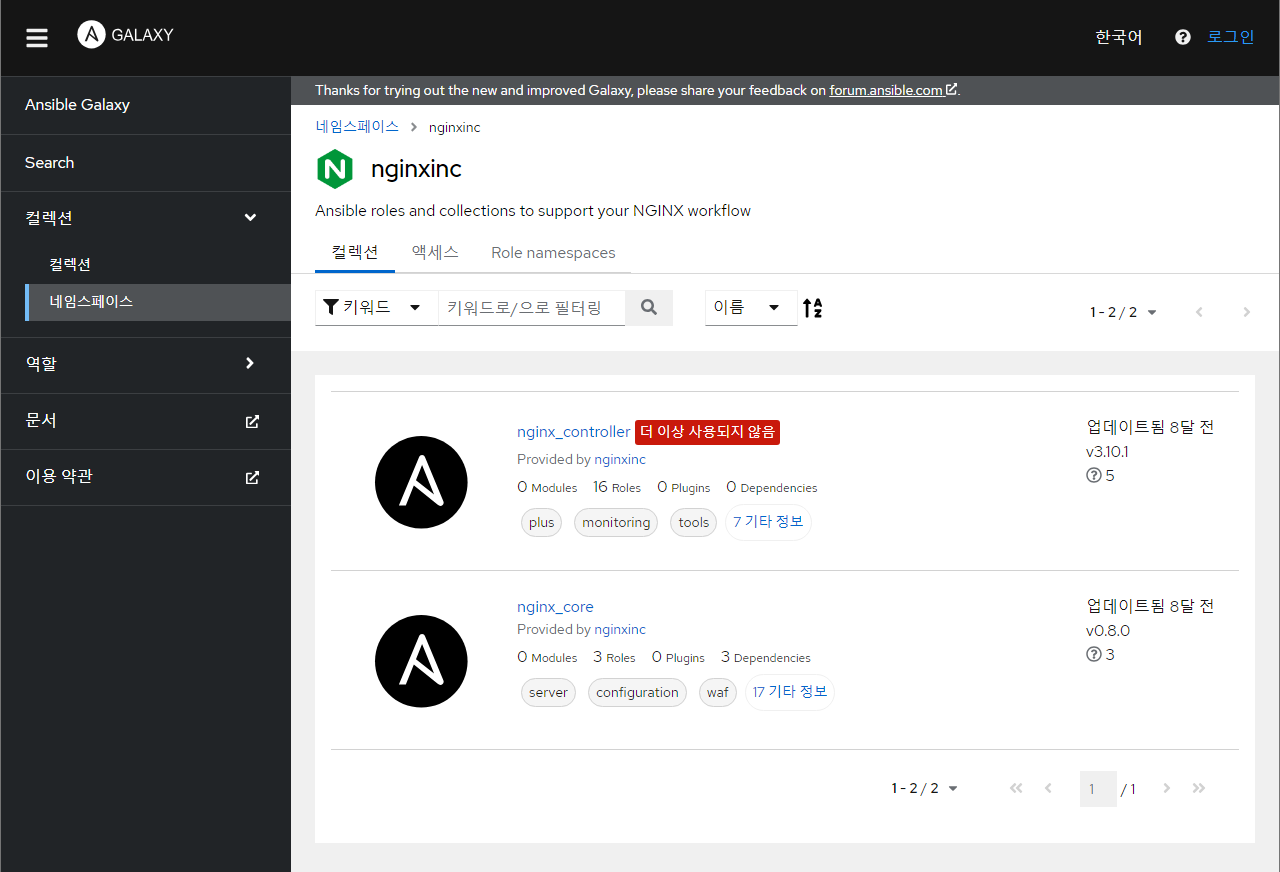
ansible-galaxy collection install nginxinc.nginx_controllerCollection 목록 확인
ansible-galaxy collection listCollection은 모듈 + 플러그인 + Role 묶음 → 최신 Ansible에서는 Collection 사용이 점점 표준이 되는 추세
Galaxy Role로 chrony 설치하기
chrony 패키지를 설치하고 기본적인 설정을 수행합니다.
1. Galaxy에서 Role 설치
ansible-galaxy install geerlingguy.chrony2. Ansible Playbook 작성
geerlingguy.chrony 역할을 사용하여 chrony를 설치하고 설정하는 간단한 Ansible 플레이북입니다.
vim install_chrony.yml---
- name: Install and configure chrony using Ansible Galaxy role
hosts: servers
become: true
roles:
- geerlingguy.chrony3. Playbook 실행
플레이북을 실행합니다.
ansible-playbook -i inventory/hosts.ini install_chrony.yml --limit servers- inventory/hosts.ini는 대상 서버를 정의하는 Ansible inventory 파일의 경로입니다.
- --limit 옵션은 실행 대상을 제한합니다.
nginx 역할 검색
ansible-galaxy role search nginx
nginxinc.nginx_controller 컬렉션 설치
ansible-galaxy collection install nginxinc.nginx_controller